1.0k views
in System Integration by

Hi all,

I am developing a GUI on the i.MX RT1050 EVKB.

Normally the GUI will be developed with a 4.3 inch, 480 x 272 LCD display.

I am trying to chage the 4.3 inch monitor to a 7 inch, 800 x 480 LCD.

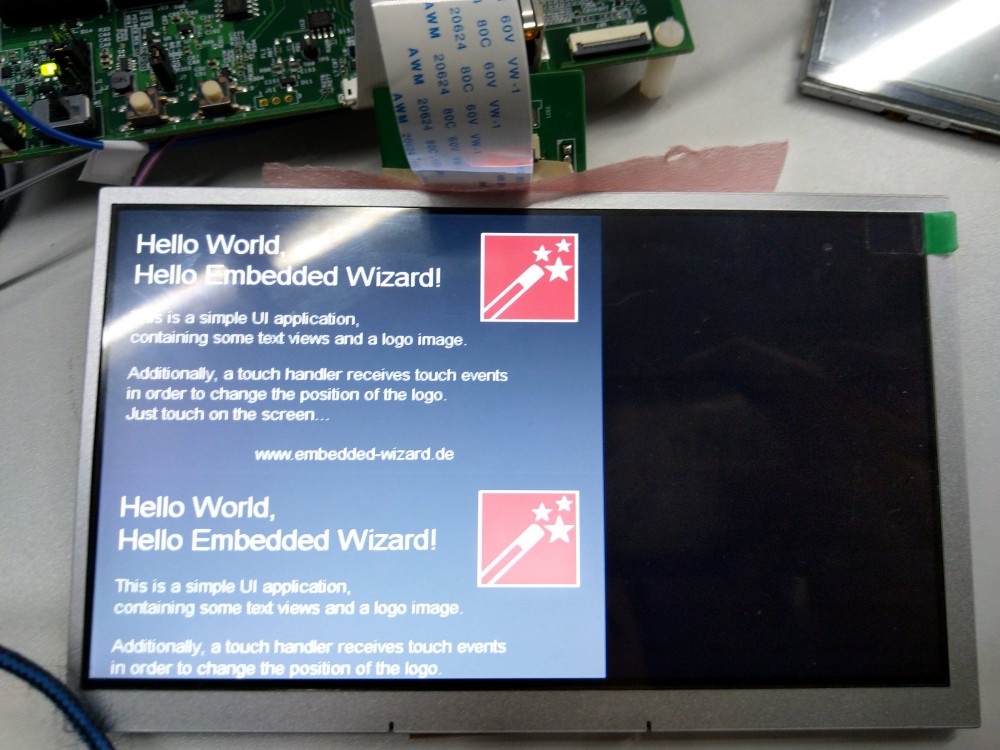
If the screen size is not changed in embedded wizard, i.e. 480 x 272, the GUI will not scretch and duplicated once vertically and the duplicated GUI is cropped as it reaches the bottom of the screen. All the other other region remains black.


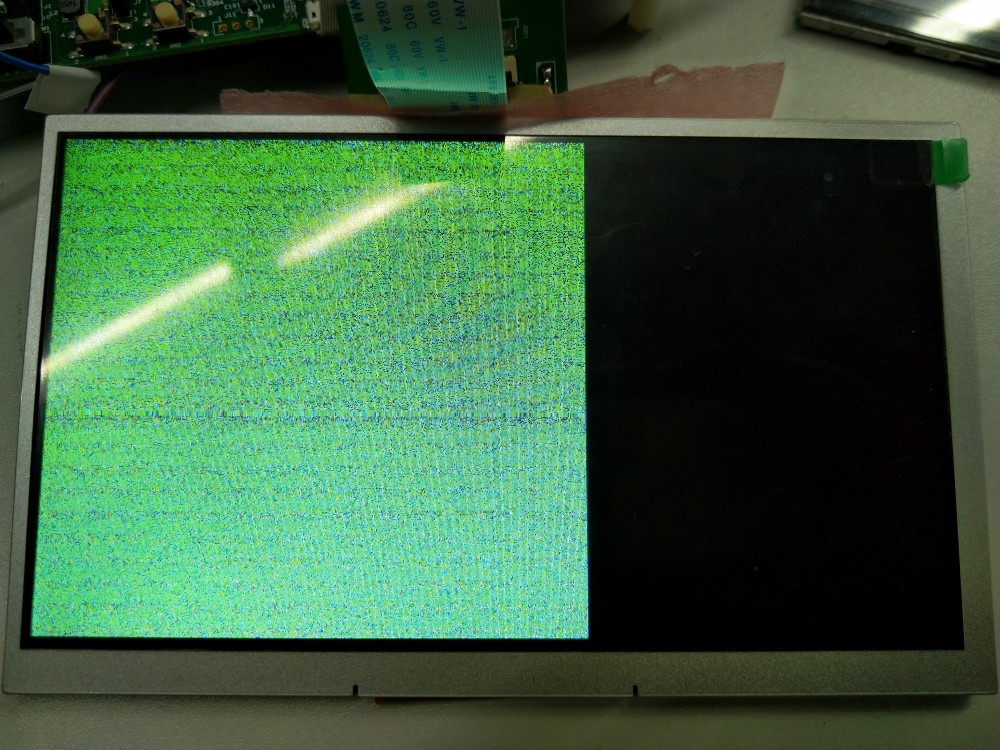
If the scren size is changed to 800 x 480, only the same region worked in the 480 x 272 setting will display and the GUI become some kind of noise or random pixels.


Is there any way to solve it?

Thank you so much!

1 Answer

0 votes
by

Hello,

first of all, let me refer to the section custom specific hardware - it contains a couple of hints for the iMXRT1050 EVKB. 

In your case, please ensure that the display settings and timings (within the file ew_bsp_display.c) are suitable for your new display.

Additionally, please check that the framebuffer size (within the file ewmain.c) is also adapted to the new display resolution.

Best regards,

Manfred.

by
Hello Manfred,

Thank you so much! It works like a charm.

As I am a newbie to iMXRT2015 EVKB and GUI, it does help a lot.

Alex

Ask Embedded Wizard - Archive

Welcome to the Ask Embedded Wizard archive. This community forum served us well for many years, but we've evolved our support approach!

Your resources:

The Embedded Wizard Online Documentation provides comprehensive documentation, tutorials, examples and ready-to-use software packages.

For dedicated assistance, explore our Embedded Wizard Product Support.

You can still browse the valuable discussions from our community history here.

Embedded Wizard Website | Privacy Policy | Imprint

...