470 views
in Embedded Wizard Studio by

Hello,

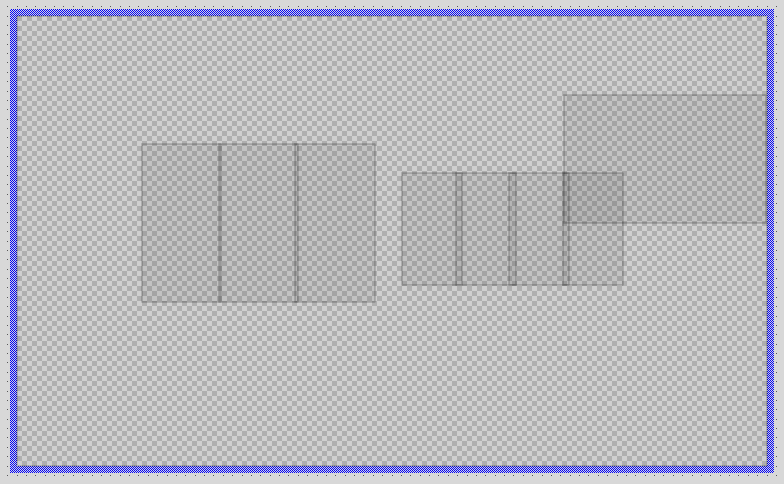
I am using Embedded Wizard Studio 11 Pro edition. I am developing a GUI with resolution 800x480. Profile screen size, Application class(Core::Root) bounds are set to the same value. But the contents of the class are invisible, although Opacity = 255 & Visible = true. The composer contains only placeholders as seen in the attachment. The contents are visible and there is no problem when I run the prototyper of the same class. Also if the same contents are copied to any other class, contents are visible in composer as expected. Can you please suggest the possible cause for the same?
 

Regards,

Kavya

1 Answer

0 votes
by

Hello Kavya,

the gray place holders appear when you switch on the "Outline View Mode". Just press the keys CTRL+E or select the menu item "Outline view mode" from the menu "Extras" to switch off it again. See also Outline view mode.

Best regards

Paul Banach

Ask Embedded Wizard - Archive

Welcome to the Ask Embedded Wizard archive. This community forum served us well for many years, but we've evolved our support approach!

Your resources:

The Embedded Wizard Online Documentation provides comprehensive documentation, tutorials, examples and ready-to-use software packages.

For dedicated assistance, explore our Embedded Wizard Product Support.

You can still browse the valuable discussions from our community history here.

Embedded Wizard Website | Privacy Policy | Imprint

...