535 views
in GUI Development by

Hello!

I am trying to add a new view to the "Device Integration" example for STM32F429I DISCOVERY board. My utlimate goal is to create a view with a graph that is updated by the ADC-values generated in the project, to do that I want to create a new view which is reached by clicking a simple touch handler. 


What I've done:

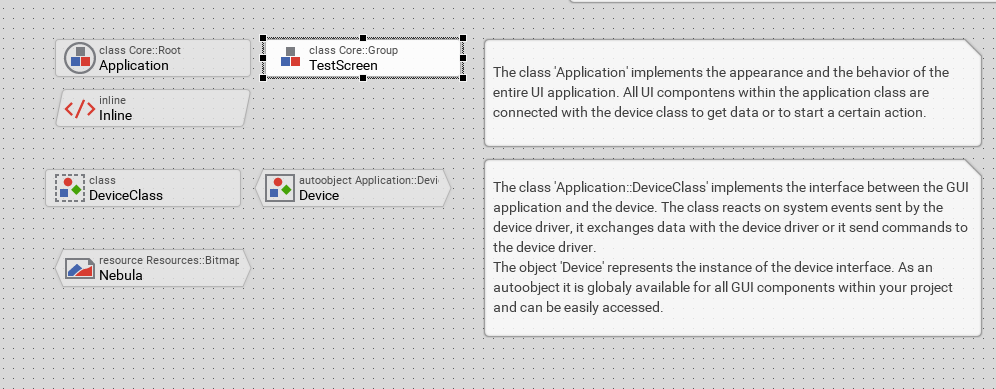
- I created a new component by dragging it into the "unit application" window.

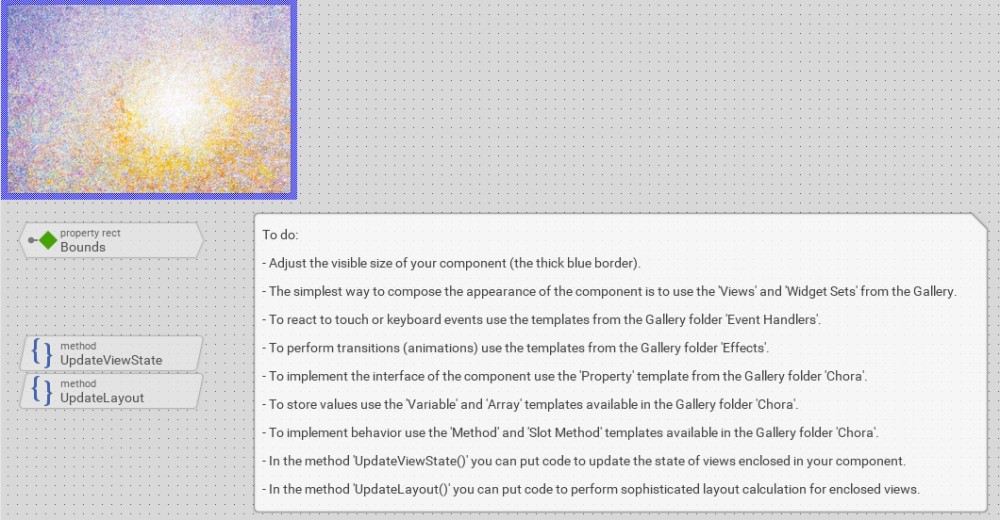
- I modified the new component to match my screen and added a fancy background image.

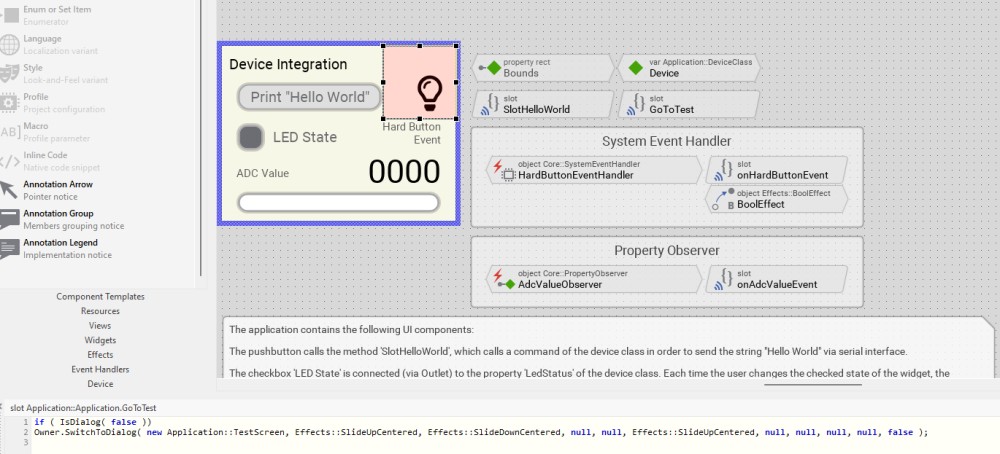
- I created a "simple touch handle" and a slot method in the "Application::Application" class.

- In the slot method, I added and modified some code from BezierClock demo:

"

if ( IsDialog( false ))
Owner.SwitchToDialog( new Application::TestScreen, Effects::SlideUpCentered, Effects::SlideDownCentered, null, null, Effects::SlideUpCentered, null, null, null, null, false );

"

When testing my implementation I get the following error message: "Using wrong root object.";


My question is: How do I connect the views properly?
 

Application view


unit application

fancy testscreen


error msg


1 Answer

0 votes
by

Hello Seber,

I suppose the code Owner.SwitchToDialog(...) is implemented in your Application component. If this assumption is true, the Application component is the root of the view tree. There is no further Owner of Application. During prototyping, however, the prototyper prepares a dummy owner to run the prototyped Application inside it. Using this dummy owner for other purposes (e.g. for SwitchToDialog()) is not allowed. At least at the target system it will crash.

In such application case remove Owner, or better replace it by GetRoot(). For example: GetRoot().SwitchToDialog(...).

Does it solve the issue?

Best regards

Paul Banach

by
Hello Paul!

You solved my issue, thank you so much!


Grateful regards,

Sebastian E.

Ask Embedded Wizard - Archive

Welcome to the Ask Embedded Wizard archive. This community forum served us well for many years, but we've evolved our support approach!

Your resources:

The Embedded Wizard Online Documentation provides comprehensive documentation, tutorials, examples and ready-to-use software packages.

For dedicated assistance, explore our Embedded Wizard Product Support.

You can still browse the valuable discussions from our community history here.

Embedded Wizard Website | Privacy Policy | Imprint

...